 UvioCallSign in
How it works
From sign-in to a live call in about a minute.
Starting a call takes under a minute. Here is the whole flow, for hosts and for guests.
For hosts
- Create a free account.Sign up at call.uvio.au and confirm your email address.
- Start a call.Use the UvioCall app on Android or iPad, or start from your browser. You get a call link straight away.
- Send the link.Paste it into a message or email. You can also schedule a call and send an invite.
- Admit your guest.They appear in the waiting room. Tap to let them in.
- Choose your camera.Plug a compatible USB camera into your Android phone, Android tablet or iPad and it appears in the camera menu as an extra option.
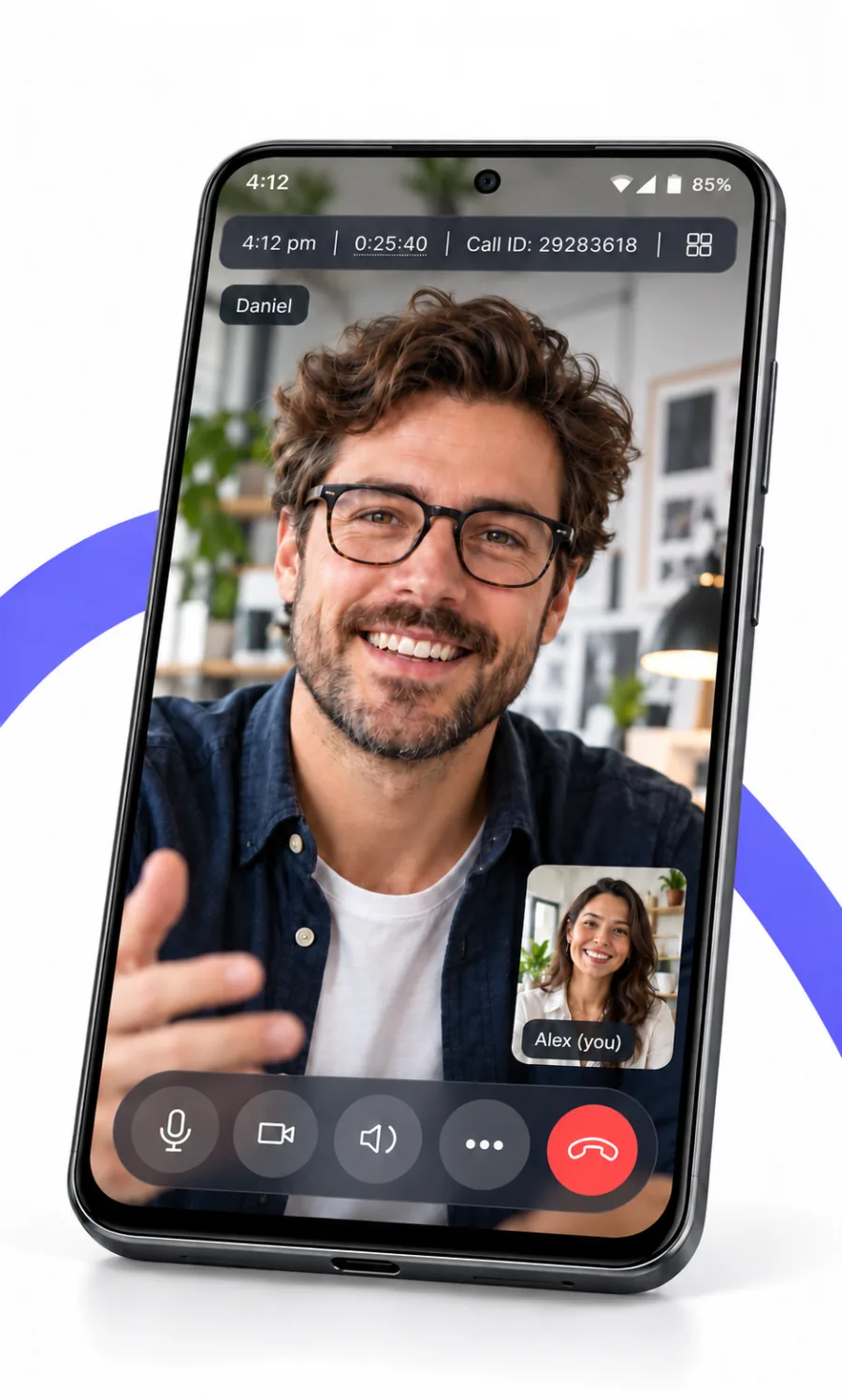
For guests
Nothing to install and no account.
- Open the linkin any modern browser.
- Type your nameand allow camera and microphone when asked.
- Wait to be admitted,then you are in the call.
If something does not work
Check that the browser has permission to use the camera and microphone, close other apps that use the camera, and try another browser. For USB cameras, check the cable and that the camera is a standard UVC device. Still stuck? Email support@uvio.au.
Next: USB camera video calls · Pricing · FAQ
Ready when you are.
Last updated 2026-11-08. UvioCall is operated by Verge Technologies Pty Ltd, Australia. Questions: support@uvio.au