 UvioCallSign in
Features
Everything a call needs, and the camera it was missing.
Everything you need to run a call with people who have nothing installed, plus the one thing most video services leave out: a way to use the camera you actually need.
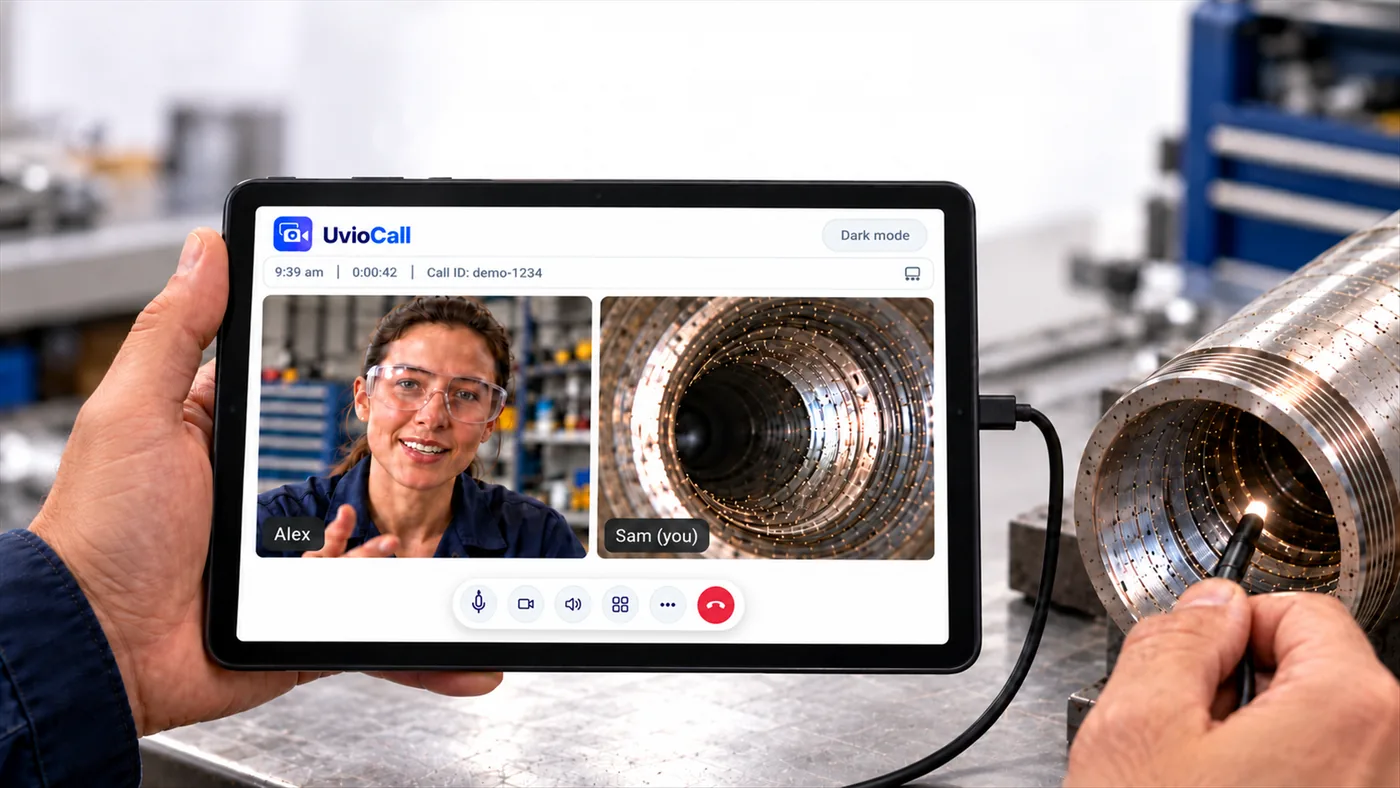
Use any compatible USB camera
In the UvioCall app on Android or iPad, a compatible UVC camera appears as an extra choice in the camera menu, next to the device’s own cameras.
Gallery view
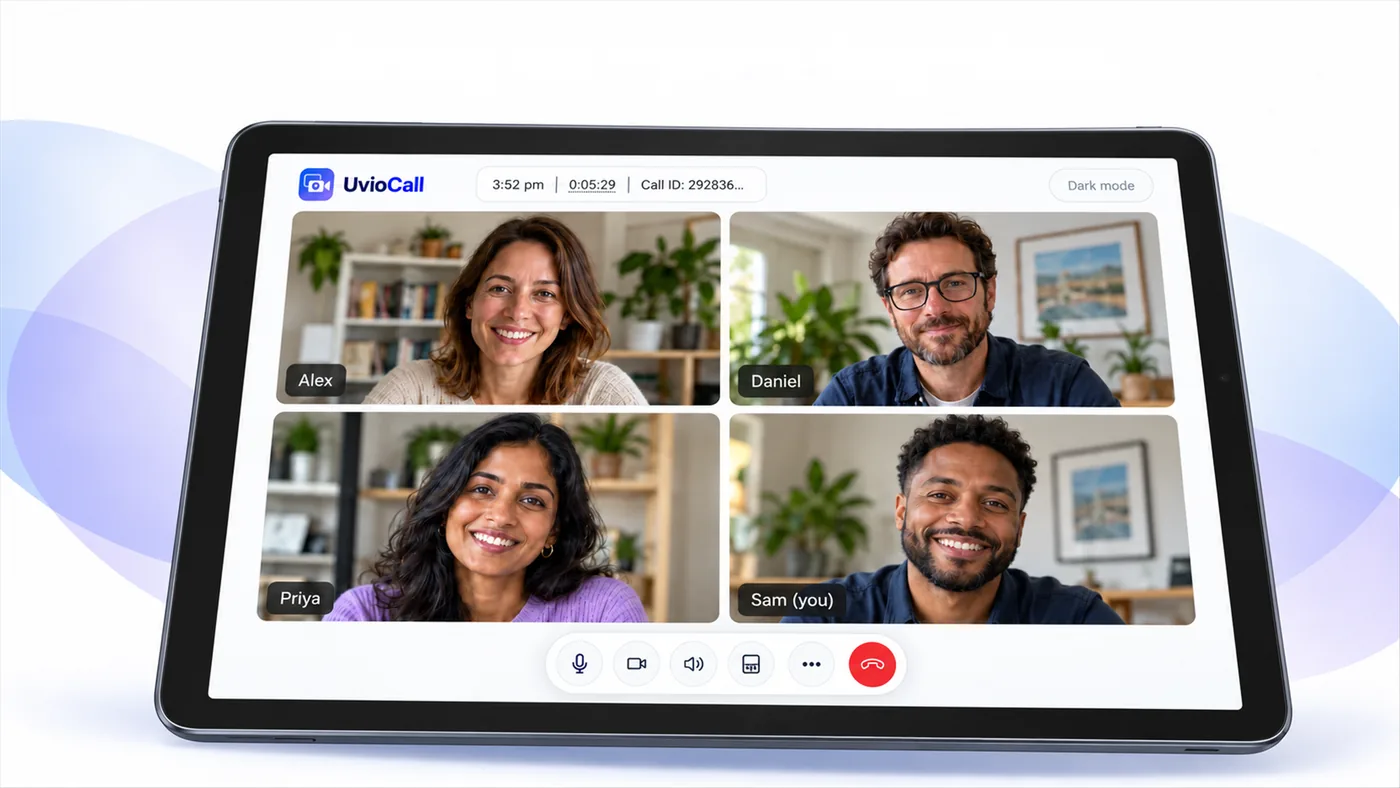
See everyone at once, with the speaker picked out as they talk. Switch to full frame to fill the screen with one person or camera, in light or dark mode.
For the host
Gallery and full-frame views
See everyone at once, or fill the screen with the person or camera that matters. The call screen follows your device in light or dark mode, or you can switch it yourself.
Waiting room
Guests wait until you admit them, so you decide who is in the call.
Scheduling and invites
Book a call, send the invite, and see upcoming calls on your calendar.
Contacts and call history
Keep people you call often and look back at past calls.
Several cameras at once
Add a second camera as another picture from the same person. A second camera never uses extra minutes.
Plan and usage page
See minutes used, what is left and any extra minutes you have bought.
For the guest
Nothing to install
Open the link in a modern browser. No app, no account, no password.
Check before you join
Pick your camera and microphone and see yourself before you enter.
Phone, tablet or computer
Works in the browser on Android, iPhone, iPad, Windows and Mac.
Behind the scenes
Australian hosting
Servers in Sydney, run by Verge Technologies Pty Ltd.
Encrypted in transit
Call traffic between devices and our servers is encrypted. Calls are not recorded.
Works on tough networks
Relay servers help calls connect on restrictive Wi-Fi and mobile networks.
New to UvioCall? How it works · Pricing · FAQ
Bring every detail into the call.
Last updated 2026-11-08. UvioCall is operated by Verge Technologies Pty Ltd, Australia. Questions: support@uvio.au